
Owner: Aaron Fitzell
Last Updated: 2026-02-26
Version: 1.0
(have an idea for how this SOP could be better? Please fill out the Suggest Edit form at the very bottom of this procedure)
Procedure Info
Tags
collision, stationary object, impact, hit, struck, damage, vehicle damage, post-collision, accident, incident, property damage, object, kerb, pole, barrier, wall, bollard, reporting, collision procedure, at-fault, not-at-fault, scene, documentation, photos, witness, insurance, report, near miss, incident, form, documentation, event reporting
Purpose
A guide for drivers to reference when they’ve caused a collision with a stationary object.
No matter who’s at fault proper documentation and recording is important to make sure a minor incident does not become a major issue – record what happened so that no one can blame you for more than what happened.
When to Use This SOP
This is a required procedure for any driver involved in a collision with a stationary object – such as a parked car, bollard, fence, tree, building, council property, or similar.
Who Should Use This SOP
Drivers who are involved in any collision with a stationary (non-moving) object.
Tools and Resources Needed
(List the equipment, tools, electronics or software needed to complete this procedure.)
Procedure
1. Stop Safely
- Remove the bus from traffic if there’s somewhere close by to do so.
- Take bus out of gear and apply handbrake.
2. Instruct Passengers To Stay On The Bus
3. Assess the Situation
- Is anyone injured or in danger? – if so ring 000 and/or Operations (03) 9438 3666 immediately
- Does the damage done create any hazards?
- Is the owner of the object (or their employee) present?
- Are vehicles involved (including yours) still operational?
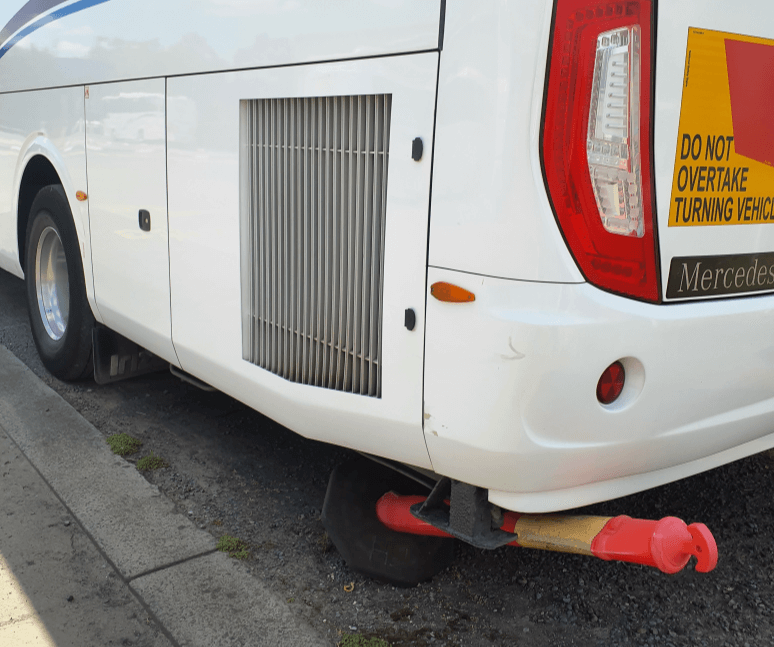
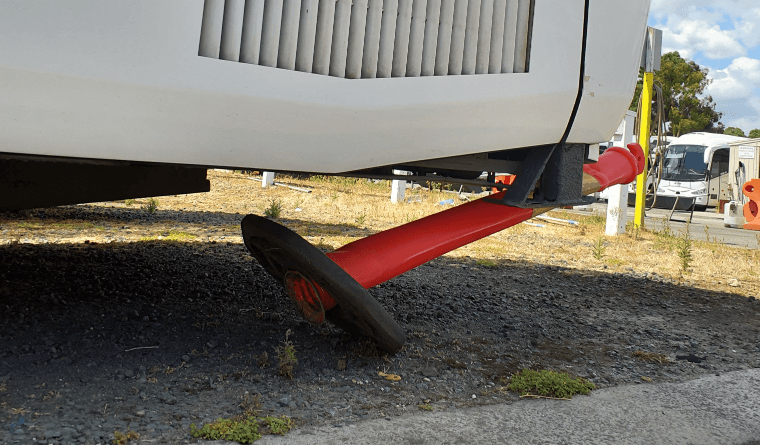
4. Take Clear Photos
- of the damage to the stationary object
- of the bus
- of the third-party vehicle including rego plate
- of the entire scene, including both the object, the bus and surrounding area
5. If The Owner IS Present…
Inform them of the incident and swap details – you collect their details, and offer Panorama’s details.
- Names
- Car rego where applicable
- Owner’s contact details
- Panorama contact information (03) 9438 3666
If they request your personal address you are required by law to provide it.
6. If The Owner is NOT Present…
leave a note with Panorama contact details on the damaged vehicle or property.
- “We’ve had a collision with your [car / bollard / bin] . Please ring (03) 9438 3666 so that we can get it resolved. Vehicle rego: BSXXXX”
7. Notify Operations
- Call Operations via phone on (03) 9438 3666
- Use the phone instead of the two-way where possible, so as to maintain calm on the bus and keep other drivers out of your business.
- If the phone is not an option, use the two-way.
8. Continue or Return to The Depot as Directed
9. Submit an Incident Report and Photos
Recording your account of the incident, to the best of your memory, and sharing the photos you took is important to protect both you and the company.
At the end of your shift, take the time to submit a report and share photos in one of these ways:
- via Paper Form and CMS – complete a paper Accident Report form (available at operations) and submit the photos via CMS.
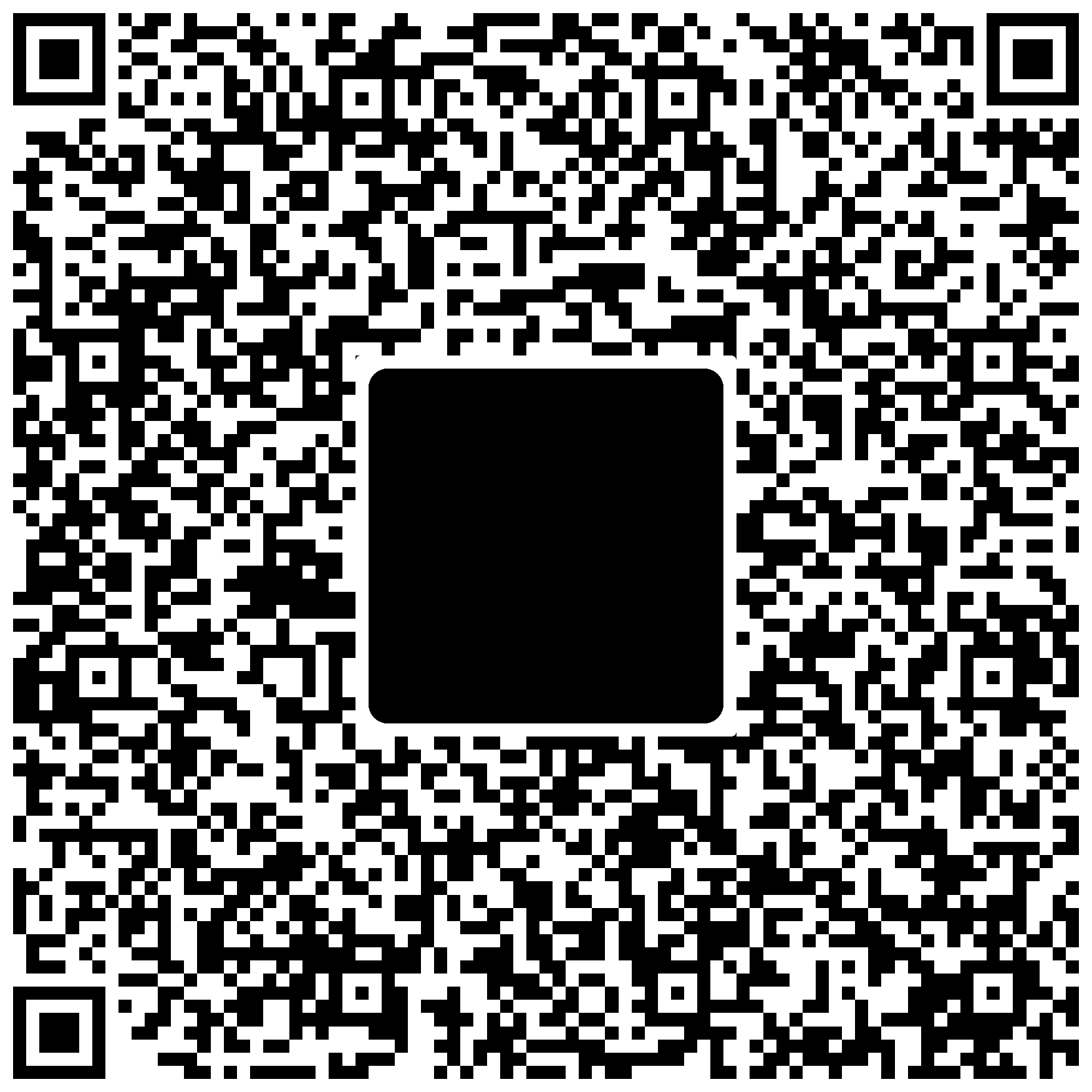
- via Email – scan the QR code below. It will launch the email application on your phone. Fill out the headings and attach your photos
10. Submit a Defect Report
Let the workshop know about damage to your bus by submitting a defect report via CMS.
Review Schedule and Change Log
| Version | Date | Author | Change Summary |
| 1.0 | 2026-02-26 | Joel Smith | Initial draft |